
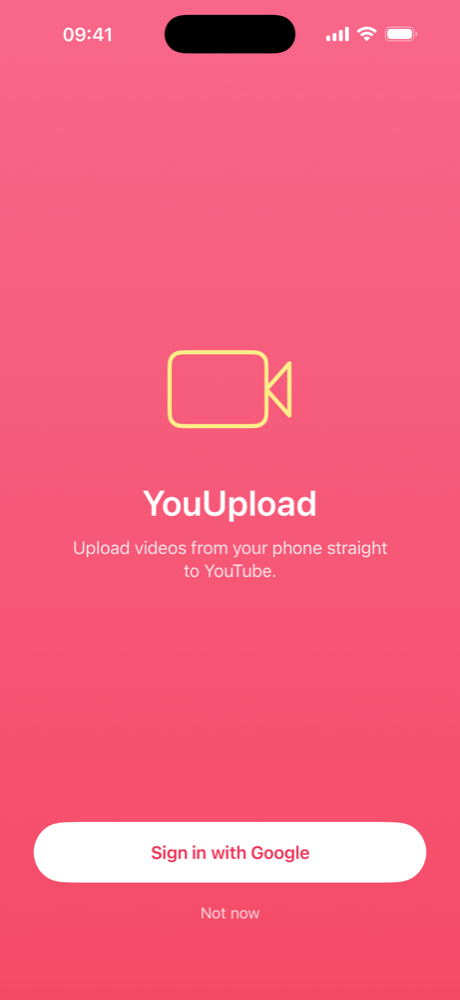
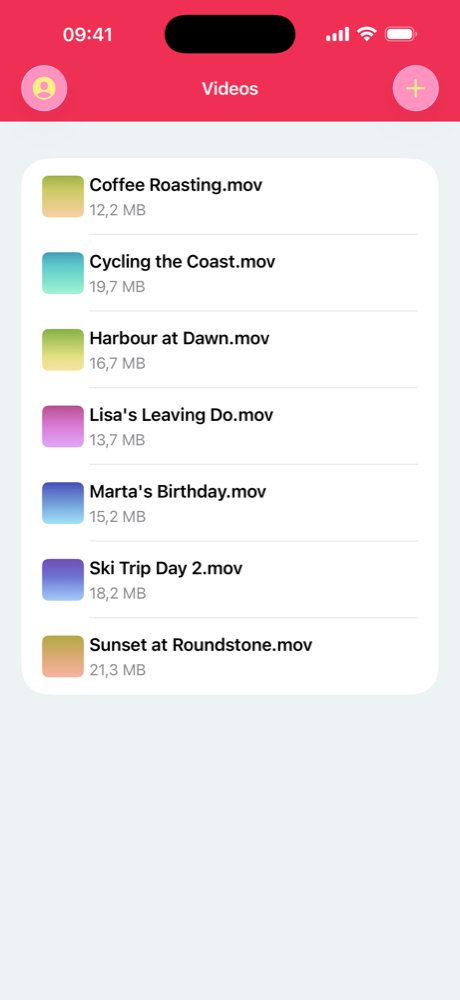
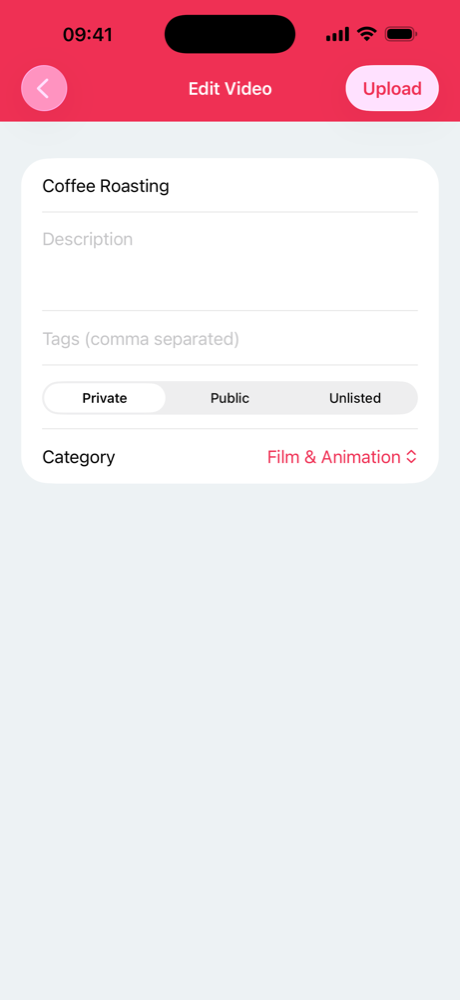
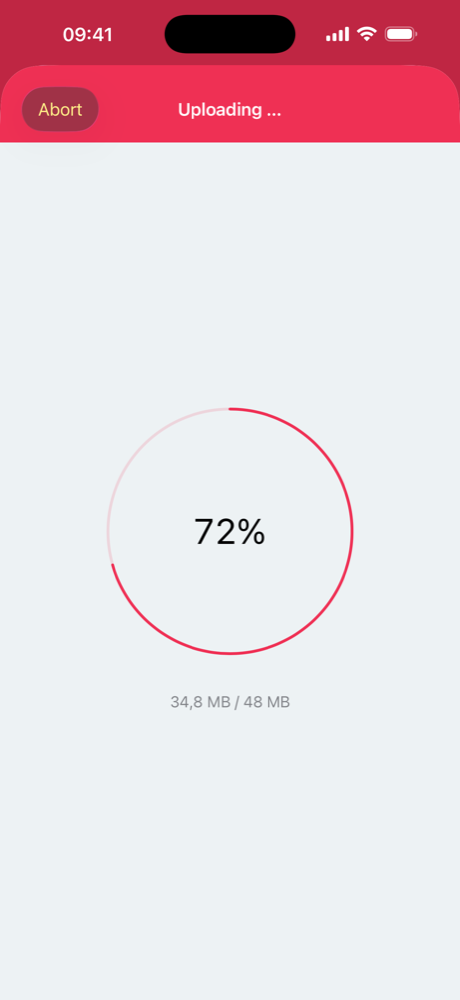
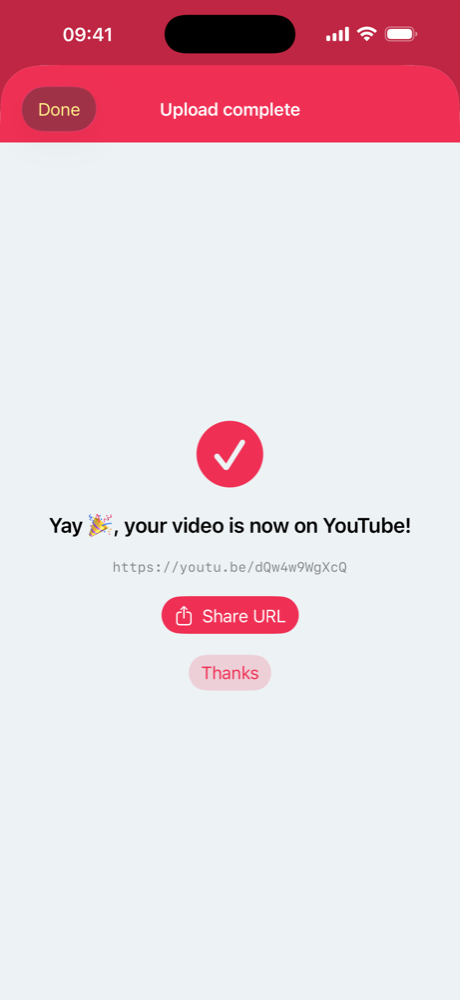
Pick a clip from your camera roll, or bring one in from Files — Dropbox, Google Drive, iCloud, anywhere. Give it a title, a description and tags, choose a category, decide who gets to see it, and send it.
What it does
- Import from your camera roll or any app in Files
- Set the title, description, tags and category before it goes up
- Publish as Private, Unlisted or Public
- Uploads keep going while you use other apps
- An interrupted upload resumes instead of starting over
- A notification when it lands, with a link ready to share
Nothing is re-encoded and there is no waiting around: your video goes up as it is, and YouTube handles the rest. Built for iPhone and iPad, with full Dark Mode support.
Privacy
YouUpload has no server of its own. Your video goes from your device straight to the YouTube Data API using the account you signed in with, and your Google tokens stay in the iOS Keychain. There is no analytics, no crash reporting and no third-party SDK in the app. The full privacy policy spells out exactly what is stored and where.
Support
Something not working, or a feature you want? .